

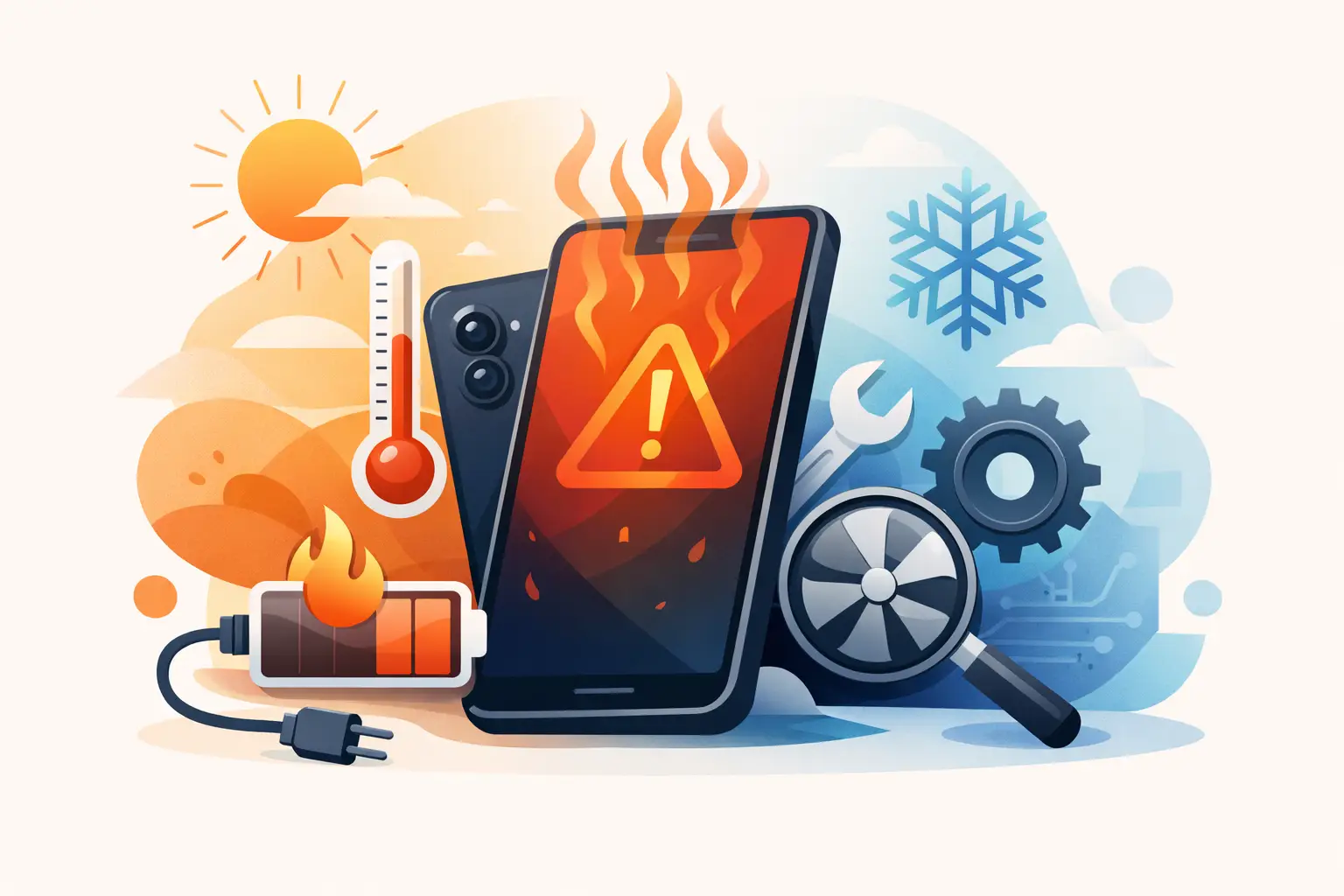
A phone that becomes uncomfortably hot while you are replying to messages, driving with navigation, or charging overnight is not something to ignore. If you are asking, why is my phone overheating, the cause may be as simple as a demanding app or Malaysia’s outdoor heat. But repeated overheating can also point to a worn battery, charging fault, liquid damage, or an internal component problem that needs attention.
Most smartphones are designed to warm up during heavy use. The concern starts when the phone is too hot to hold, dims its screen, stops charging, drains unusually fast, restarts, or displays a temperature warning. Acting early can protect your battery, performance, and personal data.
Contents
- 1 Why is my phone overheating during normal use?
- 2 Heavy apps, background activity, and software faults
- 3 Hot weather and direct sunlight
- 4 Charging is a common overheating trigger
- 5 When an overheating phone may have a battery problem
- 6 How to cool down your phone safely
- 7 Signs you should book a phone overheating repair
Why is my phone overheating during normal use?
Your phone produces heat whenever its processor, battery, display, camera, and mobile signal are working. A little warmth is normal after a video call, a long gaming session, or recording high-resolution video. It should cool down again once the demanding task ends.
Overheating becomes more likely when several tasks happen at once. For example, using GPS navigation in a car while the phone is charging, connected to mobile data, and exposed to sunlight puts pressure on both the processor and battery. A thick case can trap that heat, particularly in a hot parked vehicle.
Poor reception is another commonly missed cause. In areas with weak coverage, your phone continually works harder to find and maintain a signal. This can make the handset warm even when it is sitting in your pocket. If the issue only happens in certain places, mobile coverage may be contributing rather than the phone itself.
Heavy apps, background activity, and software faults
Games, video editing apps, social media apps with autoplay video, live streaming, and camera apps can all use significant processing power. An app that has frozen or is repeatedly refreshing in the background may keep using resources without you realising it.
Start by checking which apps use the most battery in your phone settings. Close apps you are not using, restart the device, and install available app and system updates. Updates often fix bugs that cause unnecessary battery drain and heat.
If overheating began immediately after a software update, give the phone a day or two to finish background optimisation. If it continues, back up your data and seek a proper diagnosis rather than repeatedly factory resetting the phone. A reset can help with software issues, but it will not fix a failing battery or damaged charging component.
Hot weather and direct sunlight
Malaysia’s heat and humidity can quickly raise a phone’s temperature. Leaving a handset on a dashboard, beside a window, on a motorcycle mount in full sun, or under a pillow can push it beyond its safe operating temperature.
Take the phone out of direct sun and remove any heat-trapping case. Keep it in a shaded, ventilated place until it cools. Never leave it in a locked car, even for a short errand. The temperature inside can rise much faster than expected.
Charging is a common overheating trigger
It is normal for a phone to feel mildly warm while charging. It is not normal for it to become very hot, smell unusual, stop charging, or heat up around the charging port or back panel. Those symptoms deserve prompt attention.
The charger, cable, and power source all matter. Poor-quality or damaged accessories may deliver unstable power or fit loosely in the port, creating heat. Use a reliable charger and cable that are suitable for your specific model. Fast charging also creates more heat than standard charging, especially when the battery is low or the room is warm.
Avoid gaming, watching videos, or using navigation while charging. This combines power going into the battery with heavy power use from the phone, giving the device less chance to manage heat. Wireless charging can also run warmer than a wired connection because energy transfer is less efficient. If your phone regularly overheats on a wireless pad, try a suitable wired charger and see whether the behaviour changes.
Check the charging port for compacted dust, lint, moisture, or bent pins. Do not insert metal objects into the port. A loose, dirty, or damaged port can cause inconsistent charging and heat, and it should be inspected by an experienced technician.
When an overheating phone may have a battery problem
Lithium-ion batteries wear down over time. As a battery ages, it may hold less charge, heat up more easily, and struggle during demanding tasks. Heat itself speeds up battery wear, so a device caught in this cycle can deteriorate quickly.
Watch for overheating alongside rapid battery drain, sudden percentage drops, random shutdowns, slow charging, or a phone that becomes hot even while idle. These signs can indicate that the battery is no longer operating reliably.
A swollen battery is an urgent safety issue. You may notice the screen lifting from the frame, a gap along the back cover, a raised display, or the phone rocking on a flat surface. Stop using and charging the device immediately. Do not press the screen down, puncture the phone, or try to remove the battery yourself. Keep it away from flammable materials and arrange professional assessment as soon as possible.
Battery replacement costs vary by model, battery quality, and whether other parts have been affected. A transparent diagnosis is more useful than choosing the cheapest quote, particularly for newer iPhones, Samsung Galaxy devices, Huawei, Xiaomi, OPPO, Vivo, Realme, and POCO models where proper fitting and testing matter.
How to cool down your phone safely
When your phone overheats, switch off demanding activity first. Unplug it if it is charging, close power-hungry apps, and move it out of sunlight. If it is very hot, switch it off and let it rest on a hard, dry surface in a cool room.
Remove the case to release trapped heat, but do not put the phone in a fridge, freezer, or directly in front of an icy air-conditioning vent. Sudden cooling can create condensation inside the device, which may lead to corrosion and further damage. Do not cover the phone with a towel or place it under a pillow, either.
Once it has cooled, restart it and use it lightly. If the same overheating returns during simple tasks such as messaging, browsing, or standby, record when it happens and whether charging is involved. This gives a repair technician useful clues and can speed up diagnosis.
Signs you should book a phone overheating repair
A one-off warm phone after a long video call is usually manageable. Repeated overheating is different, especially if the phone is no longer performing normally. Arrange an inspection if it becomes hot while idle, heats up every time it charges, shuts down without warning, has been exposed to water, or shows physical swelling.
Water damage can cause overheating days or weeks after the original spill because moisture and corrosion may affect the battery connector, charging circuit, or motherboard. Likewise, an overheating problem that starts after a drop may be linked to internal damage even if the screen appears fine.
Do not keep testing a suspicious phone by charging it repeatedly. Back up important photos, contacts, and work files while the device is stable, then stop using it if heat becomes severe. A proper technician can check battery health, charging behaviour, port condition, liquid indicators, and internal power components before recommending the right repair.
For customers who need a clear answer quickly, Baiki Phone can help assess overheating issues and advise whether the fault is related to the battery, charging system, software, or internal hardware. The right repair depends on the actual cause, not a guess based on one symptom.
Your phone is meant to support your day, not interrupt it with warning messages and constant battery anxiety. Treat repeated overheating as an early warning, use safe cooling steps, and get it checked before a small fault becomes a device you cannot rely on.
Leave a Reply