

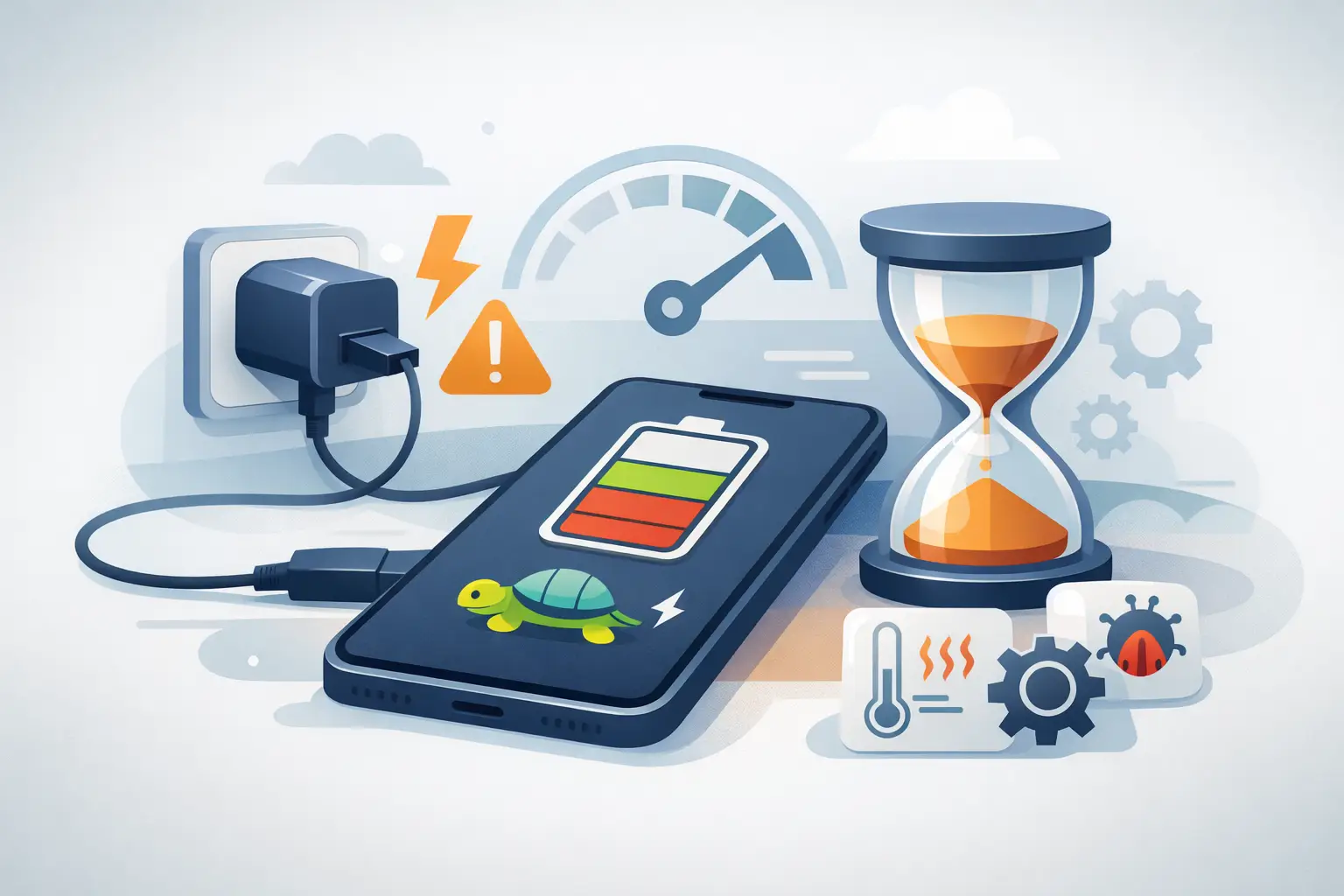
Your phone is on 12%, you have to leave soon, and the battery percentage barely moves. If you are asking, why is my phone charging slowly, the cause may be as simple as a worn cable or as serious as a failing battery or damaged charging port. The useful part is knowing which is which before a minor inconvenience turns into a phone that will not charge at all.
Slow charging can affect iPhones, Samsung Galaxy phones, Huawei, Xiaomi, OPPO, Vivo, realme, POCO and other Android devices. Some checks are safe to do at home. Others need a proper diagnosis, especially if your device gets hot, repeatedly disconnects, or only charges at a certain angle.
Contents
- 1 Why Is My Phone Charging Slowly? Start With the Charging Setup
- 2 Your charger may not be powerful enough
- 3 A Dirty Charging Port Can Restrict Power
- 4 Your Phone May Be Using Power While It Charges
- 5 Heat can deliberately reduce charging speed
- 6 Battery Age Changes How Your Phone Charges
- 7 Software Settings and Updates Can Affect Charging
- 8 Signs You Need a Charging Repair
Why Is My Phone Charging Slowly? Start With the Charging Setup
Before assuming your phone needs a repair, check the full charging setup. The plug, cable, power source and phone must all support the charging speed you expect. Fast charging is not guaranteed simply because the adapter says it is fast.
Try a different wall socket first, then test with a known-good cable and compatible adapter. Avoid judging charging speed through a laptop USB port, car charger or low-output power bank. These can be convenient, but they often deliver less power than a proper wall adapter.
A damaged cable is one of the most common causes. Look for fraying near either connector, bent pins, loose ends or a cable that only works when positioned in a particular way. Internal damage is not always visible, so swapping to another quality cable is the quickest test.
Cheap or uncertified accessories can also charge inconsistently. They may struggle to supply stable power, particularly on newer phones that use USB-C fast-charging standards. A good-quality, compatible cable and adapter cost more than the cheapest option, but they reduce charging faults and protect the port from unnecessary wear.
Your charger may not be powerful enough
A small adapter may still charge your phone, just very slowly. For example, an older 5W charger will take far longer than a modern fast charger. However, buying the highest-watt charger available is not always the answer. Your phone controls how much power it accepts, so it will only charge at the maximum speed its model supports.
Wireless charging is usually slower than wired charging too, especially with a thick case, poor alignment on the charging pad or a warm device. If you need a rapid top-up before work, travel or class, use a compatible wired charger where possible.
A Dirty Charging Port Can Restrict Power
A phone spends much of its life in pockets, bags and on desks. Dust, lint and tiny debris can build up inside the charging port until the cable no longer sits fully in place. The result is often slow charging, intermittent charging or a connector that feels loose.
Do not use pins, needles, paper clips or anything metal to dig inside the port. It is easy to bend the delicate internal contacts and turn a cleaning job into a charging port replacement. Do not pour liquid or compressed air directly into the port either.
If you can clearly see loose debris near the entrance, switch the phone off and gently use a soft, dry brush around the opening. If the cable still will not click in securely, or charging stops when the phone is moved, have the port inspected by a technician. A professional can check whether the issue is compacted dirt, corrosion, loose port contacts or damage to the charging board.
Your Phone May Be Using Power While It Charges
A phone can be connected to power without gaining battery quickly. Video calls, mobile gaming, navigation, hotspot use, streaming and background app activity can consume almost as much power as the charger provides. On a low-power charger, the percentage may rise by only a few points over an hour.
For a fair test, lock the screen, close demanding apps and leave the phone alone for 20 to 30 minutes. If possible, turn on aeroplane mode temporarily. If charging becomes noticeably faster, the phone is likely working hard in the background rather than suffering a hardware fault.
Poor mobile signal can make this worse. When a phone constantly searches for a signal in a lift, basement, rural area or building with weak reception, it uses additional power. Heat from heavy use also causes many phones to slow charging automatically as a safety measure.
Heat can deliberately reduce charging speed
Your phone is designed to protect its battery. If it feels hot after being left in a car, used for gaming, placed under a pillow, or charged in direct sunlight, it may reduce charging speed until it cools down.
Remove the case if it traps heat, stop intensive use and place the phone on a hard, shaded surface. Never put it in a fridge or freezer. Sudden temperature changes can cause condensation and damage internal components. If overheating happens often during ordinary use or charging, it is worth getting the device checked.
Battery Age Changes How Your Phone Charges
Every rechargeable phone battery loses capacity over time. After many charge cycles, an ageing battery may take longer to charge, drain quickly, jump between percentages or become warm more easily. You may also notice that it reaches 80% reasonably well but slows considerably near full charge.
Some slowdown near 80% is normal. Many phones use optimised charging to protect battery health, reducing the final charging speed to limit heat and stress. This is especially common overnight. It becomes a concern when charging is slow at every percentage, the battery drops unexpectedly, or the phone cannot hold enough charge to last through normal daily use.
On iPhones, Battery Health in Settings can indicate whether the battery has significantly degraded. Android menus vary by brand, but many newer devices provide battery diagnostics or usage information. These readings are helpful, although they are not a complete diagnosis. A battery can still be faulty even when no warning appears.
A swollen battery needs urgent attention. Signs include a lifting screen, a back cover that no longer sits flat, unusual heat or a phone that feels thicker than before. Stop charging and using the device, and arrange a professional inspection promptly. Do not press the screen or attempt to open the phone yourself.
Software Settings and Updates Can Affect Charging
Software does not usually cause a phone to charge dramatically slower, but it can change what you see. Battery protection settings, adaptive charging features, battery saver modes and recent system updates may limit charging under certain conditions.
Restart the device and check whether a system update is available. Also inspect battery settings for options such as Optimised Battery Charging, Adaptive Charging or charge limits. These features are useful if you regularly charge overnight, but you may wish to understand how they work before assuming there is a fault.
If slow charging started immediately after an update and continues with multiple chargers, back up important data. A technician can help rule out software issues before replacing parts unnecessarily.
Signs You Need a Charging Repair
Home checks are sensible when the issue is occasional and a different cable or adapter fixes it. Book a diagnosis when the problem keeps returning or the phone shows physical warning signs. Charging faults can worsen quickly if the port is loose, corroded or exposed to moisture.
Arrange an inspection if you notice four or more of these signs:
- The cable must be held at a specific angle to charge.
- Charging repeatedly starts and stops.
- The phone says it is charging but the battery percentage falls.
- The connector feels loose or will not insert fully.
- The device gets unusually hot while charging.
- There has been water exposure, even if the phone appears to work normally.
Water damage deserves particular caution. Moisture can corrode charging contacts over time, meaning a phone may charge normally for days before symptoms begin. Repeatedly plugging it in can make the damage worse.
At Baiki Phone, an experienced technician can assess the cable connection, port condition, battery performance and charging circuit before recommending a repair. A clear diagnosis matters because a battery replacement will not solve a damaged port, and replacing a port will not fix a failing charging IC. The right repair should address the actual cause, with transparent advice on the best next step for your device.
Do not keep forcing a loose cable into a phone that is already struggling to charge. A quick inspection now can save you from being left with a flat phone when you need it most.
Leave a Reply