

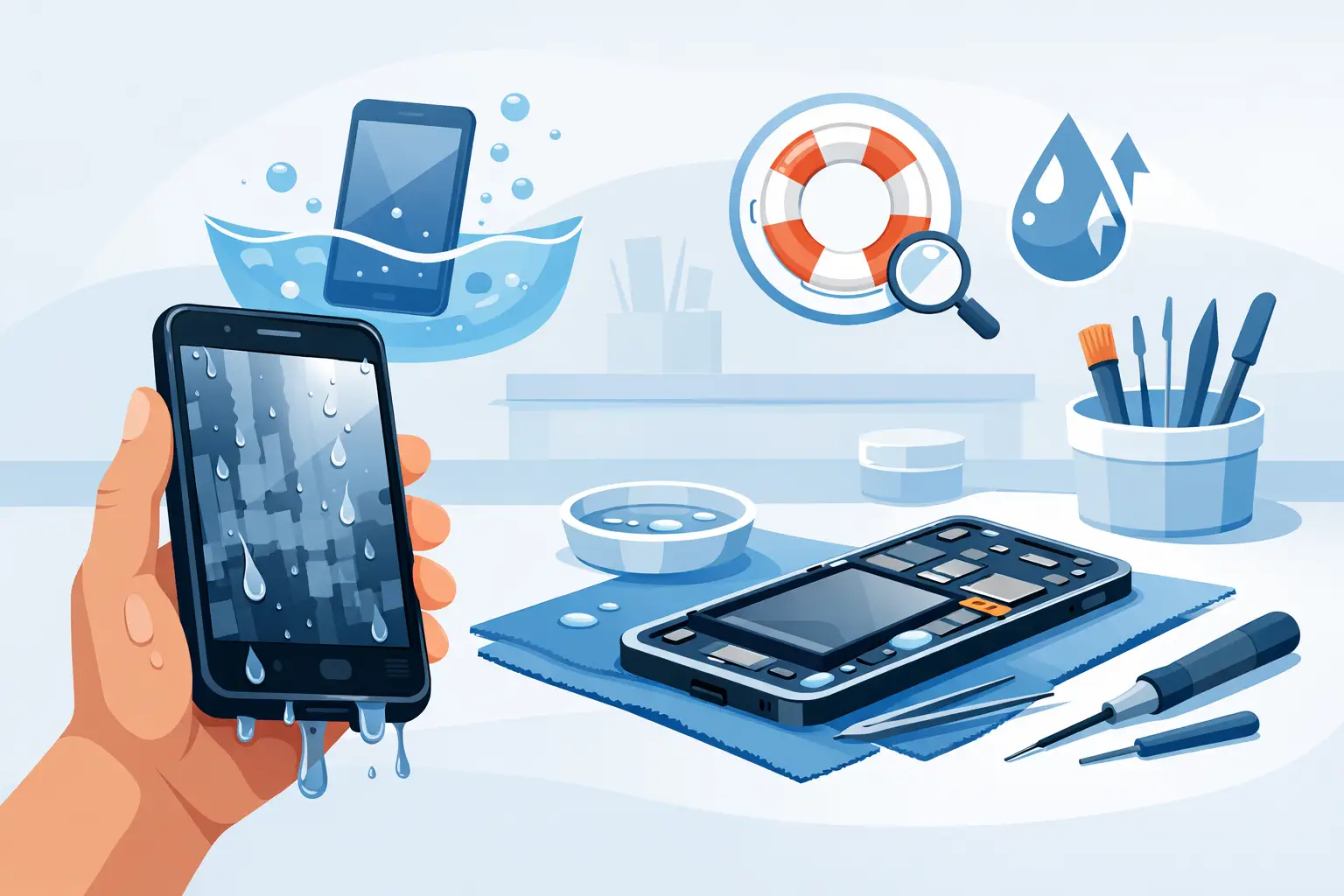
A phone dropped into the sink, caught in heavy rain or left in a damp bag can look fine at first – then suddenly refuse to charge, lose sound or switch off completely. Water damage phone repair is time-sensitive because moisture can continue corroding internal components long after the outside of the device feels dry.
The best outcome usually comes down to what you do in the first few minutes. Do not panic, do not keep testing the phone, and do not assume it is safe because it still turns on. A quick, professional inspection can often prevent a small liquid spill from becoming a costly motherboard repair or permanent data loss.
Contents
- 1 What to do immediately after your phone gets wet
- 2 Why water damage can get worse after a day or two
- 3 When professional water damage phone repair is needed
- 4 Can your photos and data still be recovered?
- 5 What affects the cost of water damage phone repair in Malaysia?
- 6 How long does a liquid-damaged phone repair take?
- 7 How to reduce the risk next time
What to do immediately after your phone gets wet
First, remove the phone from the water and switch it off straight away. If the screen has already gone black, do not repeatedly press the power button to check whether it works. Electricity moving through wet components is one of the main causes of short circuits.
Take off the case, unplug all cables and remove the SIM tray. If your device has a removable battery, remove it only if you can do so without forcing anything. Then gently wipe the exterior with a clean, lint-free cloth and keep the charging port facing down, allowing excess liquid to drain naturally.
Avoid these common mistakes:
- Do not charge the phone, even if the battery is low.
- Do not use a hairdryer, oven, microwave or direct sunlight to dry it.
- Do not shake the device hard, as this can push liquid further inside.
- Do not place it in rice, which does not remove residue or corrosion from internal parts.
Rice is a popular home remedy, but it cannot clean the minerals, sugar, salt or detergent left behind by the liquid. Those residues are often what cause problems days later, especially after coffee, soft drinks, seawater or floodwater exposure.
Why water damage can get worse after a day or two
A wet phone may continue working for several hours. That does not mean the liquid has caused no harm. Moisture trapped beneath shields, connectors and display layers can slowly corrode metal contacts. As corrosion develops, you might notice intermittent charging, a foggy camera, weak speakers, touch-screen problems, random restarts or a rapidly draining battery.
The type of liquid matters. Clean tap water is still risky, but seawater is more corrosive because of salt. Sweet drinks leave sticky residue that can damage ports and buttons. Pool water contains chemicals, while floodwater may carry dirt and contaminants. Each situation needs careful cleaning rather than simple drying.
Modern iPhones, Samsung Galaxy devices and many Android models may have water-resistance ratings, but water-resistant is not the same as waterproof. Seals can weaken over time through wear, heat, previous screen repairs or a hard drop. Manufacturers also typically treat liquid damage differently from standard warranty faults.
When professional water damage phone repair is needed
If the phone was fully submerged, exposed to saltwater or a drink, or shows any unusual behaviour, arrange a diagnosis as soon as possible. This is particularly urgent if the device becomes hot, smells burnt, has a swollen battery, will not charge, or keeps restarting. Stop using it and keep it away from flammable materials if you suspect battery damage.
A proper inspection involves more than opening the phone and leaving it to dry. An experienced technician checks the charging port, battery connector, display connectors, cameras, speakers and motherboard for moisture and corrosion. The device may need internal cleaning, component-level work or replacement parts depending on the damage found.
At Baiki Phone, the aim is to identify what can genuinely be saved before recommending a repair. A clear diagnosis matters because not every water-damaged phone needs the same work. One device may only need charging-port cleaning, while another may require a new screen or board repair after liquid reaches sensitive circuits.
Can your photos and data still be recovered?
Often, yes – but there are no guarantees. If the phone can be stabilised long enough to power on, technicians may be able to help you back up photos, contacts, WhatsApp chats and important files. This is why it is better not to keep attempting to turn on a wet device at home.
Data recovery depends on where the fault is. A damaged display may make the phone appear dead even when its data is intact. In other cases, the phone needs a temporary screen, battery or charging repair before files can be accessed. Serious motherboard corrosion is more complex, particularly on devices with encrypted storage, but prompt action improves the odds.
If the phone is still working after being wet, back up your data over a safe connection only after it has been inspected or confirmed dry. Do not connect a wet handset to a computer or power bank simply to make a backup. The risk of further damage is not worth it.
What affects the cost of water damage phone repair in Malaysia?
There is no responsible fixed price for every liquid-damaged phone because the final cost depends on what the inspection reveals. A device with moisture around the charging port may be relatively straightforward. A phone with corroded display circuits, damaged cameras and battery issues will take more time and may need several replacement parts.
The make and model also affect pricing. Parts for newer iPhones and flagship Samsung devices generally cost more than parts for older or mid-range Android phones. Availability matters too, especially for less common models. Before approving work, ask for a transparent explanation of the fault, the recommended repair and the expected cost in MYR.
It is also worth weighing repair cost against the phone’s age, condition and data value. Spending MYR 150 to MYR 300 on cleaning and a minor part repair can make strong sense for a device you otherwise use every day. If extensive board work and multiple parts are needed, a technician should explain the trade-off honestly rather than promising a cheap fix that will not last.
How long does a liquid-damaged phone repair take?
Simple cases can sometimes be assessed and repaired on the same day, particularly where the issue is limited to a port, speaker or battery connection. More serious water damage may require longer testing because a reliable repair should confirm that charging, calls, cameras, microphones, touch response and battery performance are stable.
Do not be surprised if a technician recommends observation after cleaning. Corrosion-related faults can be unpredictable, and a careful repair process is better than collecting a phone quickly only for it to fail again the next morning. Ask about the repair guarantee and what functions have been tested before taking the device home.
How to reduce the risk next time
A water-resistant case can help with light splashes, but it cannot guarantee protection during full submersion. Keep your phone away from the edge of sinks and swimming pools, avoid charging it in humid bathrooms, and never use a damaged charging cable near moisture. If you work outdoors in Malaysia’s frequent rain, a sealed pouch is a sensible extra layer of protection.
Most importantly, maintain regular cloud or computer backups. A repair may save your phone, but a current backup protects the irreplaceable part – your photos, messages and work files.
If your phone has been exposed to liquid, switch it off and get it checked before corrosion has time to spread. Fast, honest diagnosis gives your device the best chance of returning to normal and gives you a clearer answer on whether repair is worthwhile.
Leave a Reply