

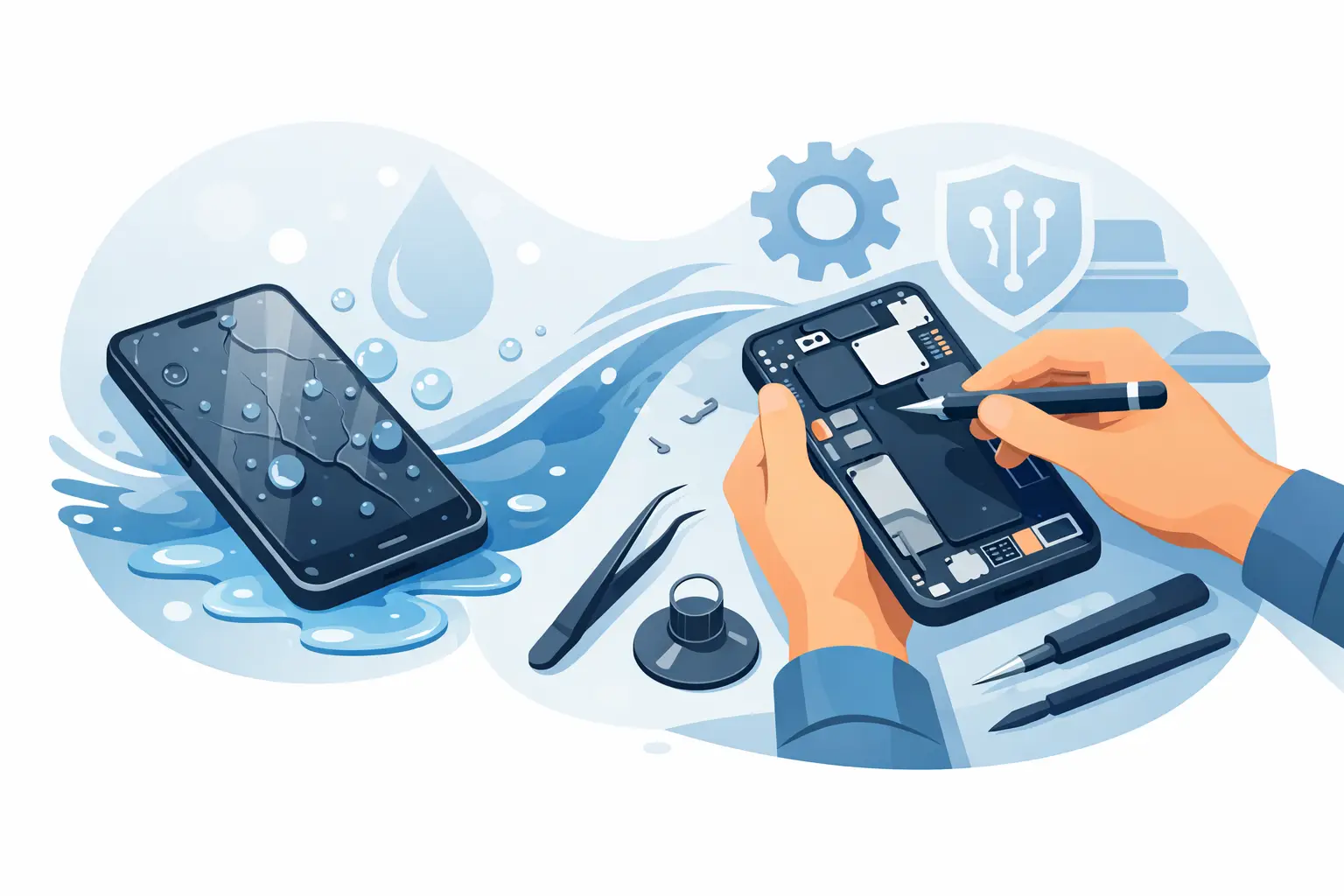
A phone dropped into a sink, caught in heavy rain, or left beside a spilled drink can look fine at first – then suddenly refuse to charge, show a flickering screen, or lose sound. If you are searching for how to repair water damage mobile phones, the first actions you take matter far more than any home remedy. Quick, careful handling can reduce corrosion and give a technician a much better chance of saving your device.
Contents
- 1 What to do immediately after your phone gets wet
- 2 Never use rice, a hairdryer or a charger
- 3 How to repair water damage mobile devices properly
- 4 Drying time is not the same as repair
- 5 Is your water-resistant phone safe?
- 6 Common water damage symptoms and what they may mean
- 7 What does water damage repair cost in Malaysia?
- 8 Protect your data while your phone is being repaired
What to do immediately after your phone gets wet
Take the phone out of the water straight away, switch it off, and remove its case. If the device is already off, do not try to turn it on just to check whether it works. Electricity and moisture are a damaging combination, especially around the battery, charging port and mainboard.
Wipe the outside gently with a clean, lint-free cloth. Hold the phone with the charging port facing down and tap it lightly against your hand to encourage loose water to drain. Remove the SIM tray if possible, then dry the tray and its opening carefully. For phones with a removable battery, remove it only if it comes out without force. Most newer iPhones, Samsung Galaxy models and Android phones have sealed batteries, so do not attempt to open them at home.
The key is to stop further damage, not to make the phone look dry on the surface. Water can remain trapped beneath the display, inside camera modules, around connectors and under protective shields.
Never use rice, a hairdryer or a charger
Rice is one of the most common suggestions after a water accident, but it is not a reliable repair method. It does not remove moisture from inside a modern sealed phone, and rice dust can enter the charging port or speaker openings. Leaving the phone in rice can also delay the professional cleaning that prevents corrosion.
Avoid a hairdryer, microwave, oven or direct sunlight. Strong heat can warp the display, weaken adhesives, damage the battery and push water further into sensitive components. Compressed air is also risky because it can drive liquid deeper through small gaps.
Do not plug in a charging cable or place the phone on a wireless charger. A wet charging port can short circuit, while charging a liquid-damaged battery creates a serious safety risk. If your iPhone displays a liquid detection warning, follow it and allow the device to remain unplugged.
How to repair water damage mobile devices properly
Proper water damage repair begins with diagnosis, not guesswork. A trained technician will inspect the phone for liquid indicators, test its key functions and check whether moisture has reached the charging system, display connectors, cameras, speakers or mainboard.
The device is then opened using the correct tools for its model. Technicians disconnect the battery first, inspect internal components under magnification, and clean affected areas with professional-grade solutions. This removes mineral deposits and early corrosion that ordinary drying cannot fix. Depending on the damage, the repair may also involve replacing a charging port, battery, screen, speaker, microphone, camera module or other affected component.
For serious motherboard damage, a specialist may need to carry out board-level repair. This is more complex and takes longer than a standard parts replacement, but it can be worthwhile when the phone contains important photos, work files or WhatsApp conversations that have not been backed up.
A good repair service should explain what has been found before proceeding with chargeable work. Water exposure does not always cause one obvious fault. A phone may need a new screen today but develop charging trouble later if corrosion was already present, which is why a thorough inspection is essential.
Drying time is not the same as repair
Many customers leave a phone switched off for one or two days, turn it back on, and assume the problem has passed because the screen lights up. That can happen, particularly after a small splash. However, water leaves behind contaminants, especially if the phone fell into seawater, a sugary drink, coffee, toilet water or floodwater.
Corrosion can continue after the liquid evaporates. It may appear as a camera that fogs up, a speaker that sounds muffled, random touch issues, fast battery drain, Face ID or fingerprint failures, or a phone that restarts without warning. Salt water and floodwater are especially urgent because they are more conductive and corrosive than clean tap water.
If the device was fully submerged, received liquid through the charging port, or is behaving differently after getting wet, arrange a diagnosis as soon as possible. Same-day assessment is often the best option, even when the phone still appears to work.
Is your water-resistant phone safe?
Water resistance helps, but it is not a permanent guarantee. Phones with IP ratings are tested under controlled conditions, usually when new and undamaged. Everyday wear can weaken seals around the screen, buttons, SIM tray and charging port. A previous screen repair, a dropped phone or ageing adhesive can also affect water resistance.
Apple, Samsung and other manufacturers commonly treat liquid damage separately from standard warranty cover. That means an iPhone or Android phone advertised as water-resistant can still need paid repair after a pool, rain or sink accident. Avoid testing water resistance on purpose, and do not use a wet phone near a charger.
Common water damage symptoms and what they may mean
A black or flickering display may mean moisture has reached the screen or its connector. No sound, distorted audio or a weak microphone can point to liquid in the speaker and audio components. A charging fault may be limited to the port, but it can also indicate damage around the charging circuit.
Camera fog is another warning sign. Moisture inside a camera module can affect image quality and eventually damage the sensor. Green lines, ghost touches and unresponsive areas on the screen should also be checked quickly rather than ignored.
Battery problems deserve extra caution. If your phone gets unusually hot, smells strange, swells, or has a lifting screen after water exposure, stop using it immediately. Keep it away from flammable materials and have it inspected. Do not press a swollen screen back into place.
What does water damage repair cost in Malaysia?
The price depends on the phone model, the type of liquid, how quickly it is brought in, and which parts have been affected. A basic inspection and internal cleaning may cost less than replacing a damaged display or mainboard, while an older budget phone may not be economical to repair if multiple components have failed.
As a general guide in Malaysia, cleaning and minor recovery work can begin around MYR 80 to MYR 200. Replacing a damaged charging port, speaker or battery may add roughly MYR 100 to MYR 350, depending on the model and part quality. Screen replacements can range from around MYR 150 for some Android models to MYR 1,000 or more for premium OLED iPhones and Samsung devices. Board-level work is assessed case by case because the fault and recovery prospects vary.
Ask for a clear diagnosis and quote before approving repairs. The cheapest option is not always the best value if poor-quality parts or incomplete cleaning lead to further issues. A quality guarantee and honest explanation of the repair risk are worth looking for.
Protect your data while your phone is being repaired
If the phone remains stable enough to use and there is no overheating, back it up immediately using Wi-Fi or a computer. Do not connect cables if the charging port may still be wet. If the display is not working but the phone powers on, a repair specialist may be able to prioritise data recovery or temporarily connect a replacement screen for backup purposes.
Do not factory-reset the phone before diagnosis unless you have been specifically advised to do so and your data is securely backed up. A reset will not remove corrosion or repair liquid-damaged hardware. Keep your passcode available for testing, but only provide it to a repair business you trust and confirm how your privacy will be handled.
For urgent water damage repairs across Malaysia, Baiki Phone can help connect you with experienced technicians who can inspect compatible iPhone, Samsung, Huawei, Xiaomi, OPPO, Vivo, Realme and other Android devices. The sooner the phone is assessed, the better the chance of preventing a small spill from becoming a costly failure.
A wet phone does not always mean a lost phone. Switch it off, keep it away from heat and charging, and get a proper diagnosis before corrosion has time to spread.
Leave a Reply