

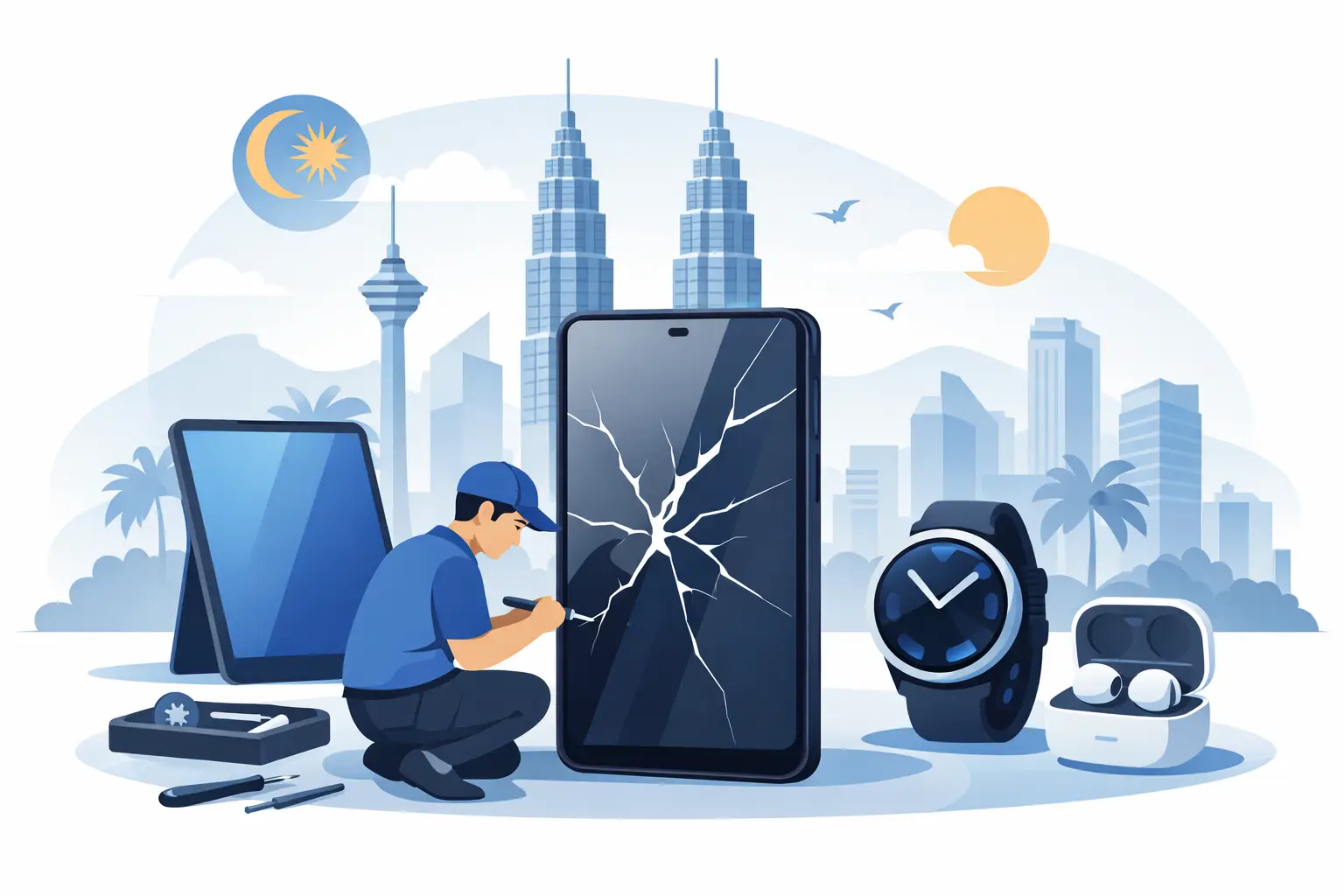
A Samsung phone can go from essential to stressful in one drop, one failed charge or one unexpected splash. The right Samsung repair is not simply about replacing a part quickly. It is about identifying the real fault, protecting your data and getting your device back into reliable daily use without paying for work you do not need.
For most people in Malaysia, a phone is the camera, banking device, work tool, family contact point and navigation screen all at once. That is why a clear diagnosis matters. A cracked display may look obvious, but a charging problem could come from the cable, charging port, battery, software or internal board. Treating the symptom without checking the cause can lead to repeat repairs and unnecessary cost.
Contents
- 1 Start With the Fault That Cannot Wait
- 2 Common Samsung Repair Problems and What They Mean
- 3 Cracked screens and display faults
- 4 Weak battery, overheating and sudden shutdowns
- 5 Charging port and power problems
- 6 Camera, speaker and microphone issues
- 7 Software faults that look like hardware faults
- 8 What Affects Samsung Repair Cost in Malaysia?
- 9 How to Choose a Repair Shop You Can Trust
- 10 Before You Hand Over Your Samsung Phone
Start With the Fault That Cannot Wait
Some Samsung issues should be checked immediately, even if the phone still turns on. Battery swelling is one of them. If the back cover is lifting, the screen is separating from the frame, or the device becomes unusually hot while charging, stop using it and do not attempt to press the casing back into place. A swollen battery needs safe removal and replacement.
Water exposure is another urgent case. Modern Samsung models may have water-resistance ratings, but that protection weakens after drops, wear around seals or previous repairs. Water resistance also does not mean waterproof. If your phone has been exposed to rain, a sink, a spilled drink or seawater, switch it off where possible and arrange a diagnosis quickly. Do not charge it, shake it, use a hair dryer or place it in rice. Heat and forced air can move moisture further inside, while rice does not remove corrosion from delicate components.
A screen with black patches, flickering lines, dead touch areas or green flashes also deserves prompt attention. On many Samsung OLED displays, the glass may be cracked while the panel still works, but internal display damage can worsen over time. If the screen is still visible, back up important photos, contacts and files before it fails completely.
Common Samsung Repair Problems and What They Mean
Cracked screens and display faults
A broken screen is the repair customers notice first. The correct solution depends on whether only the outer glass is damaged or whether the display panel and touch layer are affected. In practice, complete display replacement is often the dependable option for Samsung phones with OLED screens, especially when there are lines, ink-like marks, dim areas or touch issues.
Screen pricing varies significantly by model and part quality. An older Galaxy A-series screen may cost roughly MYR 180 to MYR 450, while newer Galaxy S, Note or foldable models can be substantially more expensive. Foldable screen repairs deserve particular care because their displays, hinges and protective layers require model-specific handling. A cheap quote is not always poor value, but it should clearly explain what part is being fitted and what warranty applies.
Weak battery, overheating and sudden shutdowns
If your Samsung phone drops from 30% to zero, needs charging twice a day, turns off in cold air or heats up during light use, the battery may be worn. Age is not the only factor. Heavy gaming, prolonged fast charging, heat in the car and poor-quality charging accessories can speed up battery wear.
A battery replacement commonly costs less than replacing a phone and can give an otherwise healthy device a useful second life. Depending on the model, customers may see indicative prices from around MYR 120 to MYR 450. However, overheating is not always a battery issue. Background apps, software faults, charging circuits and water damage can produce similar symptoms, so a technician should diagnose before replacing parts.
Charging port and power problems
A phone that only charges at a certain angle does not automatically need a new charging port. Pocket lint can compact inside the port and stop the cable from seating properly. A professional inspection can determine whether cleaning is enough or whether the port, flex cable or charging board has failed.
Avoid digging inside the port with pins or metal tools. It is easy to damage the contacts, especially on USB-C ports. If cleaning does not solve the problem, a charging repair can range from a relatively straightforward port replacement to a more involved board-level diagnosis. The final cost depends on the Samsung model and the true source of the fault.
Camera, speaker and microphone issues
Blurry photos, camera app crashes, rattling camera modules, muffled calls and no sound from the loudspeaker can all be repairable. Sometimes the cause is simple, such as dust blocking a speaker mesh or a damaged lens cover. Other cases involve a failed camera module, microphone flex cable or damage after a drop.
Before booking a repair, test the camera in both the standard camera app and another app, such as WhatsApp. For audio issues, test speakerphone, voice recording and wired or Bluetooth audio if available. These quick checks give the technician useful clues and make the diagnosis faster.
Software faults that look like hardware faults
Random restarts, freezing, battery drain and unresponsive apps can be caused by software rather than damaged components. After an update, check available storage, install pending app updates and restart the phone. Safe Mode can help identify whether a downloaded app is causing trouble.
If the issue continues, back up your data before a reset or software repair. A factory reset can resolve some faults, but it will not repair a failing battery, broken display or damaged charging circuit. Honest Samsung repair begins with separating software problems from hardware failures instead of charging for a replacement part that will not fix the device.
What Affects Samsung Repair Cost in Malaysia?
There is no single fixed price for Samsung repair because the model matters as much as the fault. A Galaxy A-series phone, a Galaxy S Ultra model and a Galaxy Z Fold use very different components. Availability, part type, device age and damage extent can all change the quote.
Ask for a clear explanation of whether the price includes labour, the replacement part and testing. For screen repairs, find out whether the part is an original service part, an OEM-grade alternative or another compatible replacement. Each option has trade-offs in colour accuracy, brightness, fingerprint sensor performance, durability and price. The best choice depends on your device, budget and how long you plan to keep it.
Water-damaged phones are particularly difficult to quote before inspection. Corrosion may affect more than one component, and a phone can appear normal before developing problems days later. A proper diagnosis should set realistic expectations rather than promise a guaranteed outcome before the internal condition is known.
How to Choose a Repair Shop You Can Trust
Fast service is valuable, but speed should not mean guesswork. Look for a repair provider that offers a diagnosis before major work, explains the fault in plain language and confirms the price before proceeding. A quality guarantee on parts and workmanship provides reassurance if a repaired issue returns.
It is also sensible to ask about turnaround time. Many common repairs, including selected screen, battery and charging issues, may be completed on the same day when parts are available. More complex board repairs, uncommon models and water-damage work can take longer. A trustworthy technician will tell you this upfront instead of making an unrealistic promise.
Check how your data will be handled too. Screen and battery repairs usually do not require a reset, but technicians may need your passcode to test functions after the repair. Back up your phone first where possible, remove sensitive financial apps if you prefer, and never share passwords that are not needed for testing.
Baiki Phone helps customers find practical repair options with free diagnosis, experienced technicians and clear guidance for common Samsung faults across Malaysia. The aim is simple: repair what needs repairing, explain the choice clearly and return your device in dependable working condition.
Before You Hand Over Your Samsung Phone
Take a few minutes to protect yourself and make the repair smoother. Back up photos and files to a secure account or computer if the phone is still usable. Remove the SIM card if requested, or make sure you know your PIN. Photograph the phone’s existing condition, especially cracks, dents and frame damage, and record the IMEI number from the settings menu or device box.
If the screen is unusable but the phone still powers on, do not keep trying random fixes. Repeated charging, forced restarts or pressing on a damaged display can make the fault worse. Tell the technician exactly what happened, when the problem began and whether the phone was dropped, exposed to liquid or repaired before. Those details can save time and prevent an incorrect diagnosis.
A good repair should leave you with more than a working screen or fresh battery. You should know what was replaced, how to care for the phone afterwards and what support is available if the issue returns. That clarity makes it easier to decide whether repair is the sensible choice – and gets your Samsung back where it belongs: in your hand, working when you need it.
Leave a Reply