

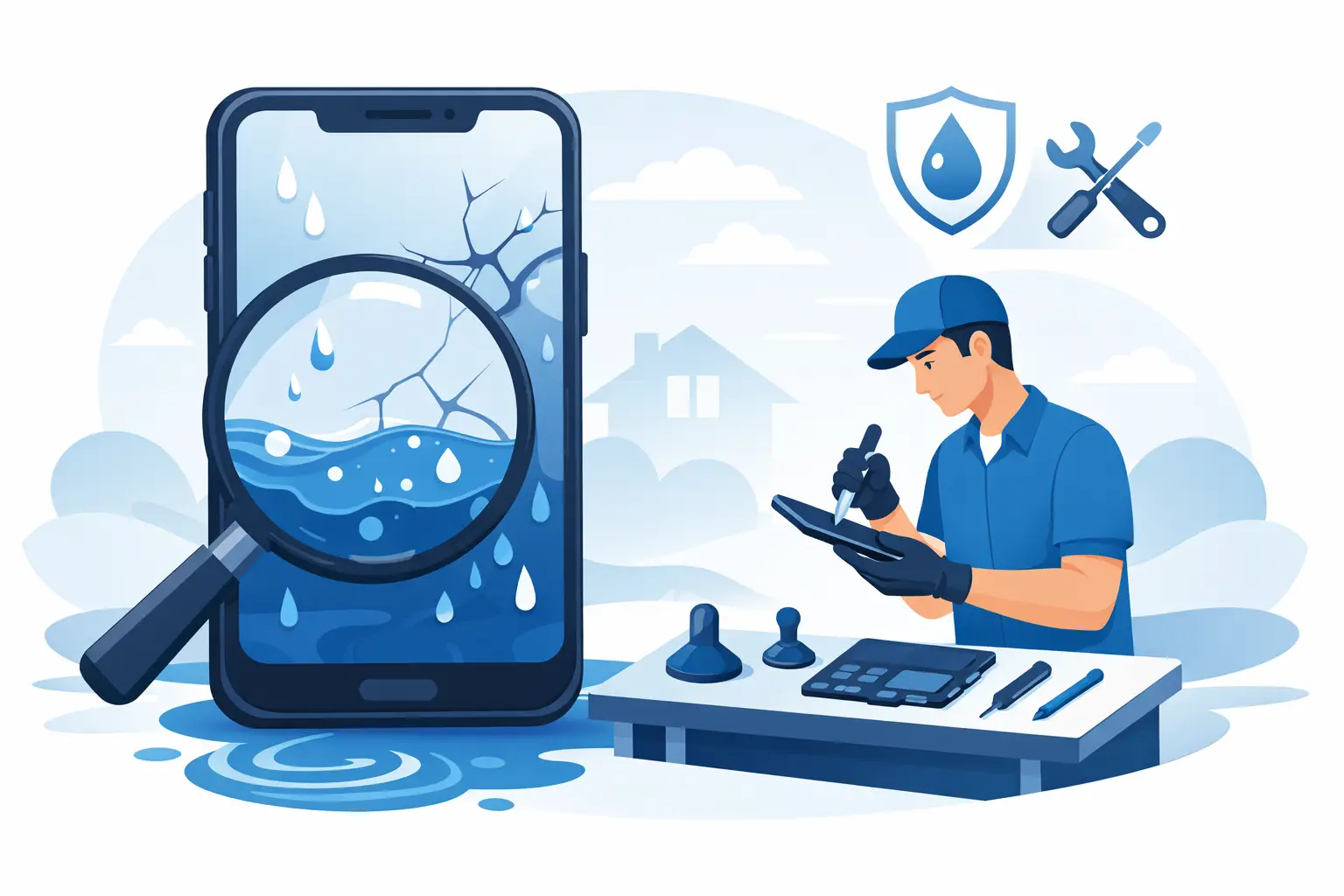
A phone can look fine after a splash, then develop a flickering display, black patches or touch problems hours later. If you are searching for how to repair water damage screen faults, the most useful first step is not taking the phone apart. It is stopping further damage before moisture reaches the display connectors, battery or mainboard.
Water-damaged screens are not always a screen-only issue. On an iPhone, Samsung, Huawei, Xiaomi, OPPO, Vivo or other Android phone, liquid can affect several parts at once. Fast, careful action gives the device the best chance of a straightforward repair and can prevent a small screen fault becoming a more expensive internal repair.
Contents
- 1 What water damage looks like on a phone screen
- 2 What to do immediately after liquid reaches the screen
- 3 How to repair a water-damaged phone screen safely
- 4 Why a new screen may not solve everything
- 5 Can you repair a water damage screen yourself?
- 6 What affects water damage screen repair cost in Malaysia?
- 7 Protect your data before and after repair
- 8 When to book a repair straight away
What water damage looks like on a phone screen
The signs vary depending on where liquid entered the phone and how long it remained inside. You may see a dim display, flashing lines, coloured patches, dark spots, a screen that lights up but does not respond to touch, or a completely black display while the phone still vibrates or rings.
Fogging under the camera lens, distorted speaker sound, random taps and charging warnings are also common clues. Do not assume the display is permanently ruined just because it has gone black. A loose or corroded display connector can cause the same symptom. Equally, fitting a replacement screen without checking the rest of the phone may hide a deeper fault temporarily.
Even water-resistant phones need caution. Their seals weaken with age, impacts, previous screen repairs and heat. Water resistance reduces risk; it does not make a phone waterproof.
What to do immediately after liquid reaches the screen
Switch the phone off as soon as possible. If the screen is unresponsive, hold the power button and use the normal force-restart method for your model only if needed to shut it down. Do not keep testing whether the display works. Electricity and moisture together can speed up corrosion and short internal components.
Remove the case, SIM tray and any cables. Gently wipe the outside with a clean, dry, lint-free cloth, paying attention to the charging port, speaker grilles and buttons. Keep the phone upright with ports facing down where practical, so trapped liquid has a chance to drain rather than travel further inside.
Avoid these common mistakes:
- Do not charge the phone or connect it to a computer.
- Do not use a hairdryer, oven, microwave or direct sunlight.
- Do not put it in rice. Rice does not remove moisture from inside the phone and its dust can block ports.
- Do not shake the phone aggressively, as this can push liquid deeper into the display and mainboard.
A fan in a cool, dry room may help surface moisture evaporate, but it is not a repair. Leave the device switched off and arrange a diagnosis promptly, especially if the display has changed colour, flickers or fails to respond.
How to repair a water-damaged phone screen safely
Proper water damage screen repair starts with inspection, not a replacement part. A technician opens the device using the correct tools, disconnects the battery, checks the liquid indicators and examines the screen assembly, connectors and surrounding components for moisture or corrosion.
If liquid is confined to the display area and the connectors are clean after treatment, the repair may involve professional drying, cleaning and reseating the screen connection. In some cases, the original screen works normally once the internal moisture has been dealt with. This is the best-case scenario, but it cannot be promised before inspection.
When the OLED or LCD panel has liquid marks, backlight failure, permanent lines or dead touch areas, screen replacement is normally required. The technician should test the replacement display before sealing the phone and confirm that touch response, brightness, proximity sensors, fingerprint functions and face recognition features are working where applicable.
The key trade-off is between speed and certainty. Drying a phone at home for a day or two may appear to save money, but corrosion can continue underneath shielding and connectors. An early diagnosis often gives you clearer repair options and reduces the chance of losing data later.
Why a new screen may not solve everything
A water-damaged screen can be the most visible problem, not the only one. If liquid reached the mainboard, the phone may later develop battery drain, charging failure, weak signal, camera errors, speaker faults or sudden restarting. This is why a reputable repair service checks the phone beyond the display.
For example, a phone that rings but has a black screen may need only a display repair. A phone with a black screen, no vibration and no charging response may have a board-level issue as well. The repair approach, time and cost depend on the model, type of liquid and the extent of corrosion.
Can you repair a water damage screen yourself?
You can safely handle the immediate steps: switch off, remove accessories and dry the exterior. Beyond that, DIY repair carries real risk. Modern phones are tightly sealed, use delicate flex cables and often contain batteries that should never be punctured, bent or exposed to heat.
Replacing a screen without cleaning corrosion can lead to repeat failure. Using an incorrect adhesive seal can also reduce future water resistance. On some models, transferring small components from the old display requires care, and a poor-quality replacement may affect brightness, touch accuracy or fingerprint performance.
DIY can make sense only if you have the right tools, a compatible quality part and experience opening your exact model. For most people, especially when important photos, banking apps, work messages or family contacts are on the device, professional diagnosis is the safer option.
What affects water damage screen repair cost in Malaysia?
There is no honest fixed price for every water-damaged phone because the fault may be limited to the screen or may involve other internal parts. The final cost usually depends on the phone model, whether it uses an LCD or OLED display, the quality of the replacement screen, the amount of corrosion and whether charging, battery or board repairs are also needed.
Older Android models with LCD panels can often cost less to repair than newer premium devices with curved OLED displays. iPhone and flagship Samsung screen repairs may cost more because of the display technology and parts involved. A transparent repair provider should diagnose the phone first, explain what has failed and quote in MYR before work begins.
Be cautious of a very low screen quote for a phone exposed to liquid. Ask whether the price includes internal inspection and cleaning, whether the screen is tested fully and whether there is a quality guarantee on the repair. A cheap display fitted over untreated corrosion can become a costly problem later.
Protect your data before and after repair
If the phone still works and the screen is visible, back up your data immediately using a cloud backup or a trusted computer, provided the charging port is dry and there is no liquid warning. Do not delay this just because the phone seems usable. Water damage can worsen without warning.
If the screen is black but the phone appears powered on, avoid repeated charging attempts or random button presses. A technician may be able to fit a test screen temporarily to assess the device and help retrieve data, depending on the model and mainboard condition. Data recovery is never guaranteed, particularly when the phone has remained powered on while wet.
After repair, monitor the phone for a few days. Check the display, touch response, cameras, microphone, speakers, Wi-Fi, mobile signal and charging. Report any issue early while the repair assessment is still fresh.
When to book a repair straight away
Book a professional inspection urgently if the display is flashing, black, showing ink-like patches, registering ghost touches or if the phone was dropped into salt water, a drink, rainwater or toilet water. Salt and sugary liquids leave conductive residue and can cause faster corrosion than clean water.
The same applies if your phone shows a moisture warning, becomes unusually hot, has a swollen screen or smells burnt. Stop using it immediately if the screen lifts away from the frame or the battery appears swollen. Do not press the screen back into place.
For phone owners across Malaysia, Baiki Phone can help assess water-damaged screen faults clearly, explain whether cleaning, screen replacement or further repair is needed, and provide a straightforward quote before work starts. Acting early is the practical move: keep the phone off, keep it unplugged and let a technician identify the real fault before more damage has time to spread.
Leave a Reply