

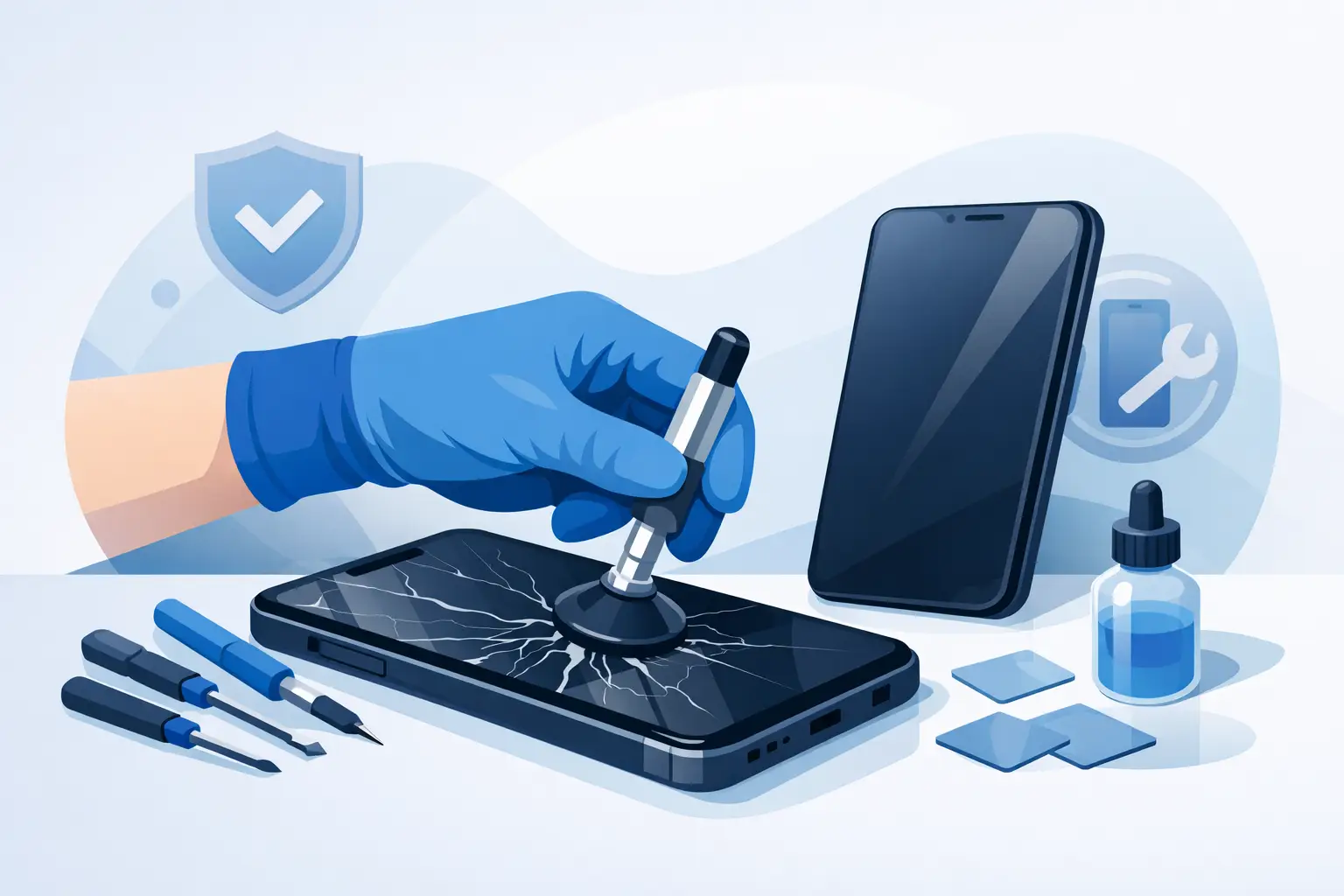
A cracked screen can turn a perfectly working phone into a daily frustration. Sharp glass catches your finger, text becomes harder to read, and a small crack can spread after one more knock. If you are searching for how to fix cracked phone screen damage, the right answer depends on whether only the outer glass is damaged or the display underneath has also been affected.
The quickest safe option is usually a professional screen repair. However, there are sensible steps you can take immediately to protect yourself, preserve your data and prevent a minor crack becoming a more expensive display failure.
Contents
- 1 First, check how serious the screen damage is
- 2 What to do straight away
- 3 Can you fix a cracked screen yourself?
- 4 How to fix a cracked phone screen properly
- 5 How much does cracked screen repair cost in Malaysia?
- 6 When should you repair the screen immediately?
- 7 Choosing a screen repair service you can trust
First, check how serious the screen damage is
Not every cracked phone screen needs the same repair. Look at the phone in good light and test it before deciding what to do.
If the screen still shows a clear image, responds accurately to touch and has no dark spots, coloured lines or flickering, the damage may be limited to the outer glass or screen protector. This is still worth repairing, particularly if glass is lifting or splintering, but the display panel may be intact.
If you see black ink-like patches, green or purple lines, a flashing display, dead areas or touch controls that no longer respond, the screen assembly is likely damaged. On most modern iPhones, Samsung Galaxy models, Huawei, Xiaomi, OPPO, Vivo, realme and POCO phones, the glass, touch layer and display are bonded together. In that case, replacing only the top glass is rarely the reliable option. A full screen assembly replacement is normally needed.
A crack over the front camera, fingerprint sensor or face-recognition area can also affect features that appear unrelated to the display. Let a technician test these parts before any repair begins.
What to do straight away
Do not press hard on the cracked area to check whether it still works. Pressure can push broken glass into the display panel and make a repair more costly. If loose shards are visible, avoid using the phone against your face.
Start by backing up your phone while the display and touch controls still work. Save your photos, WhatsApp chats, contacts and important files to your preferred cloud service or a computer. Screen damage can worsen without warning, especially after a drop or moisture exposure.
Then fit a temporary screen protector if the phone is usable and there are no loose shards. It will not repair the crack, but it can hold small fragments in place and reduce the risk of cuts. A simple clear tape layer can work briefly in an emergency, although it may affect touch sensitivity and should not be treated as a long-term solution.
Keep the device away from water, steam and dust. A cracked screen compromises the phone’s original seal, so a device that previously handled rain or a splash may no longer have the same protection. Avoid charging it if the screen is badly shattered and the phone has also been exposed to liquid.
Can you fix a cracked screen yourself?
A screen protector can cover hairline cracks and make them less noticeable, but it cannot restore broken glass. DIY repair kits are available, yet they are best suited to people who already understand phone disassembly and accept the risks.
Modern phones are tightly built. Opening one often requires controlled heat, specialist tools, replacement adhesive and careful handling of delicate flex cables. One torn cable can affect the display, battery, camera, earpiece, fingerprint reader or charging function. Poor-quality replacement screens can also cause dim brightness, weak colours, delayed touch response or faster battery drain.
There is also the question of water resistance. Once a phone is opened, it needs the correct adhesive and careful resealing. Even then, no repairer should promise that a previously damaged device will perform exactly like a factory-sealed phone in water.
DIY can make sense for an older, low-value device where you are comfortable taking the risk. For a newer phone, an OLED display, a curved screen or a device you rely on for work, banking and family communication, professional repair is generally the safer value choice.
How to fix a cracked phone screen properly
A reliable repair starts with a diagnosis, not a guess based on the visible crack. A technician should inspect the display, touch response, frame, battery condition and key functions such as cameras, speakers and charging before quoting for the job.
If the screen assembly needs replacing, the damaged panel is removed carefully, the frame is cleaned of old glass and adhesive, and a compatible replacement screen is fitted. The technician should then test display brightness, colours, touch accuracy, proximity sensor behaviour, front camera operation and any biometric features supported by the model.
The frame matters more than many people realise. After a hard drop, a bent frame may prevent a new screen from sitting flat. Fitting a fresh display onto a distorted frame can leave gaps, create pressure points and increase the chance of another crack. In some cases, the frame must be corrected or replaced before the screen repair can last.
At Baiki Phone, the aim is to explain the damage clearly before work starts, so you know whether you need a straightforward screen replacement or attention for related faults caused by the impact.
How much does cracked screen repair cost in Malaysia?
There is no single MYR price for every cracked screen because the phone model and type of damage make a major difference. A standard LCD screen for an older Android phone is usually less expensive than an OLED panel for a recent iPhone, Samsung Galaxy S series or foldable device.
The final repair cost can also change based on screen quality, stock availability, whether the frame is damaged and whether the drop affected other components. A cracked display with working touch is usually simpler than one with display failure, bent housing or water damage.
Be cautious with unusually cheap quotes. They may exclude fitting, use a lower-grade panel or fail to include a proper function test. A clear quote should tell you what part is being fitted, what work is included and whether there is a quality guarantee. Free diagnosis is particularly useful when the screen looks cracked but the phone also has hidden problems after the drop.
When should you repair the screen immediately?
Repair the screen as soon as possible if glass is cutting your fingers, the crack is spreading, touch is unreliable or the display has dark patches and lines. You should also act quickly if the screen is lifting from the frame, as this may point to impact damage or, less commonly, a swollen battery pushing from inside.
Do not ignore a suspected swollen battery. If the screen is lifting, the phone is unusually hot, the back cover is separating or the battery drains rapidly, stop using and charging the device. Arrange an urgent assessment rather than pressing the screen back into place.
A fast repair can save more than the screen itself. It helps keep dust and moisture out, protects the display from further pressure and lets you use your phone safely without relying on temporary tape or a damaged protector.
Choosing a screen repair service you can trust
Ask whether the repairer has experience with your exact phone brand and model. Apple and Android devices can have different calibration requirements, display types and feature checks. An experienced technician will not treat every cracked screen as the same job.
It is also sensible to ask about turnaround time, especially when your phone is essential for work or study. Many common screen repairs can be completed on the same day when the correct part is available, though uncommon models and more serious impact damage may take longer.
Finally, make sure your data is handled with care. Screen replacement should not normally erase your phone, but backing up first remains the smart precaution. Remove your SIM card if requested, and never share banking passwords or unnecessary account details.
A cracked screen does not always mean a replacement phone. Protect the device, back up what matters and get a clear diagnosis before the damage spreads. The right repair can restore a phone you depend on every day and keep it working confidently for much longer.
Leave a Reply