

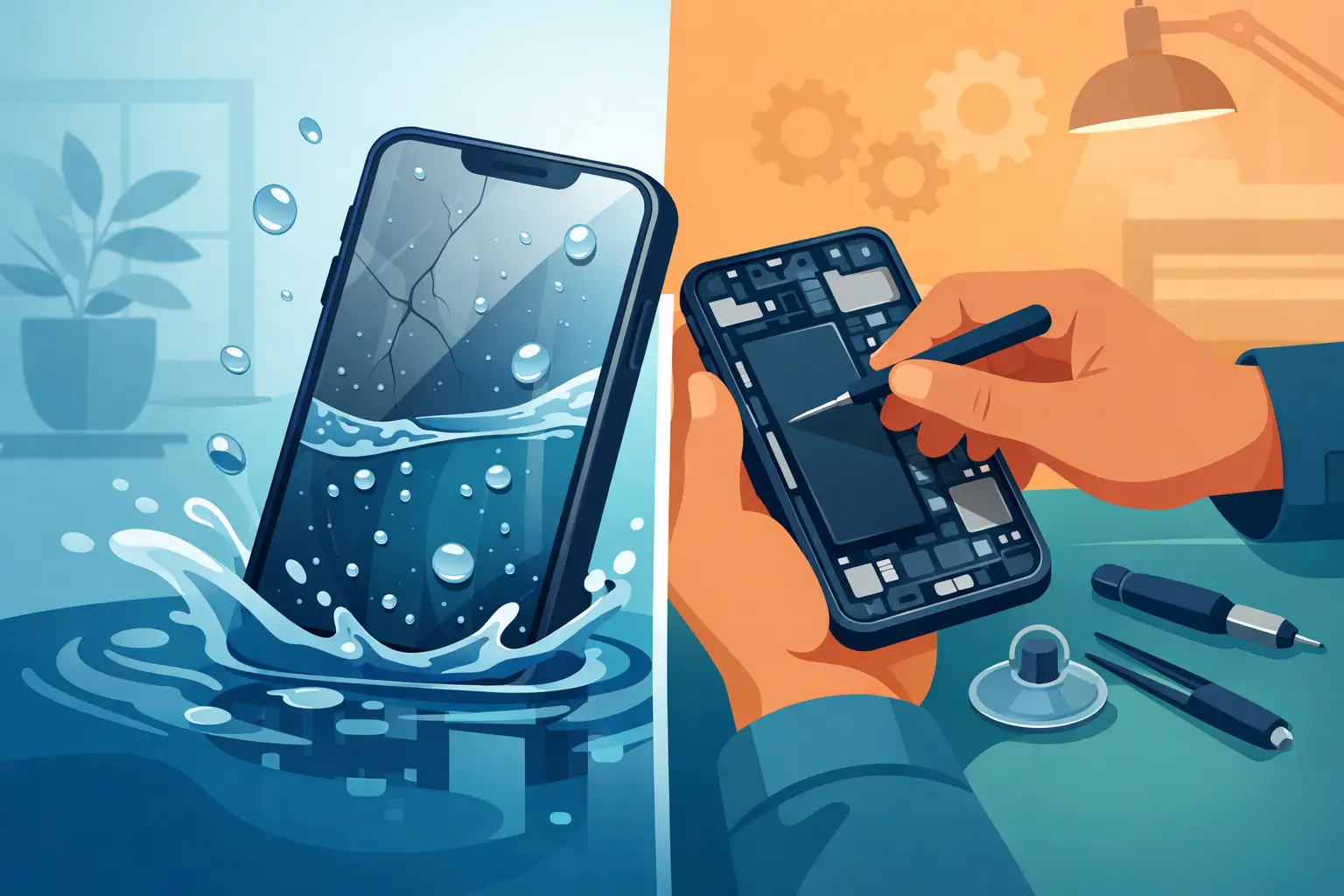
A phone dropped into a sink, left in a rain-soaked bag, or splashed beside a teh tarik can feel like an instant disaster. But can a mobile phone be repaired from water damage? Often, yes – especially when it is switched off quickly and assessed by a technician before corrosion spreads. The key is acting early and avoiding the popular ‘fixes’ that can make a recoverable phone much harder to save.
Water damage is not always obvious. A device may turn on after getting wet, then develop charging, camera, speaker, screen, battery, or signal problems days later. That delay is why a proper inspection matters even when the phone appears to be working normally.
Contents
- 1 Can a Mobile Phone Be Repaired From Water Damage?
- 2 What to Do Immediately After Your Phone Gets Wet
- 3 Why a Phone Can Fail Days After It Gets Wet
- 4 What a Proper Water-Damage Repair Involves
- 5 Is Water Damage Repair Worth the Cost?
- 6 Protect Your Data Before and After Repair
- 7 When Replacement Is the Better Decision
Can a Mobile Phone Be Repaired From Water Damage?
Repair depends on three things: what liquid entered the phone, how long it remained inside, and which components were affected. Clean water is generally less damaging than seawater, sugary drinks, coffee, or soapy water. These liquids leave conductive residue behind, which can continue attacking internal circuits long after the outside has dried.
Modern iPhones, Samsung Galaxy devices, Huawei, Xiaomi, OPPO, Vivo, realme and other Android phones may have water-resistance ratings, but water-resistant does not mean waterproof. Ageing seals, a previous screen repair, a hard drop, heat exposure, and worn charging-port gaskets can all reduce that protection. Manufacturers also typically do not treat liquid damage as a standard warranty issue.
A professional repair can range from a careful internal clean to replacement of affected parts. If corrosion is limited to the charging port, earpiece, loudspeaker, camera module, battery connector, or display connectors, the phone may be repaired at a sensible cost. If liquid has caused severe damage to the mainboard, repair becomes more complex and may not always be economical.
What to Do Immediately After Your Phone Gets Wet
Your first few minutes can make a real difference. Turn the phone off immediately, even if the display still looks fine. Do not test the camera, play music, unlock the phone repeatedly, or plug it in to see whether it charges. Electricity and moisture are a damaging combination.
Remove the case, SIM tray, memory card, and any detachable accessories. Gently wipe the exterior with a clean, lint-free cloth, then keep the device upright with the ports facing down where possible. This helps liquid drain rather than travel deeper into the phone.
Do not put the phone in rice. Rice does not remove contamination from inside the device, and grains or dust can enter ports. Avoid hair dryers, ovens, direct sunlight, and placing the phone on hot surfaces. Excessive heat can warp seals, damage the battery, and push moisture further into sensitive areas.
If the phone has been exposed to seawater, soft drinks, soup, or another contaminated liquid, arrange a diagnosis as soon as possible. These cases are more urgent than a brief splash of clean water because residue accelerates corrosion.
Why a Phone Can Fail Days After It Gets Wet
The visible water may be gone, yet moisture can remain under shields, connectors, and chips. As it dries, it leaves mineral deposits and begins corrosion. A phone can therefore appear normal on day one, then stop charging on day three or show a flickering screen a week later.
Common delayed symptoms include a battery that drains unusually fast, Face ID or fingerprint recognition not working, muffled audio, a foggy camera lens, random restarts, no mobile signal, or a charging warning. Some phones also show a moisture-detection alert in the charging port. Treat that warning seriously: do not force a cable into the port or attempt to override the alert.
Early cleaning gives technicians the best chance of stopping this process. Waiting until the phone is completely dead can turn a straightforward clean into a mainboard-level repair or a device that cannot be reliably restored.
What a Proper Water-Damage Repair Involves
A trustworthy repair process starts with diagnosis, not a guess. The technician checks for liquid indicators, tests the phone’s power behaviour, inspects the charging port and display, and opens the device to look for corrosion around connectors and the mainboard.
The device is then disconnected from power before affected areas are professionally cleaned. Depending on the damage, the repair may include replacing a corroded charging port, battery, screen, camera, speaker, microphone, or flex cable. The phone should be tested again for charging, calls, mobile network, Wi-Fi, cameras, audio, buttons, and biometric features where applicable.
For severe cases, the priority may be data recovery rather than making the phone suitable for long-term daily use. This is particularly relevant if the phone contains work files, family photos, banking access, or WhatsApp conversations that have not been backed up. A technician should explain honestly whether repair is likely to be stable, whether data can be recovered, and whether replacement is the wiser option.
Is Water Damage Repair Worth the Cost?
It depends on the phone’s age, model, condition before the accident, and the extent of internal damage. A relatively new flagship phone with a faulty charging port or display connection is often worth repairing. A much older device with extensive mainboard corrosion may cost more to repair than it is worth, particularly if battery health and screen condition were already poor.
In Malaysia, a basic diagnostic and cleaning service may cost far less than replacing a premium device, while component replacement costs vary widely by model. A charging-port or speaker repair is usually more affordable than display replacement or advanced mainboard work. Request a clear MYR quote after diagnosis, not a vague promise that every water-damaged phone can be fixed for one flat price.
Be cautious with very cheap quotes that skip proper inspection. Water damage is not like a simple screen replacement. If corrosion is left inside, the phone may work briefly and fail again later. The better value is a repairer who explains the findings, identifies the affected parts, and provides a quality guarantee where the repair scope allows.
Protect Your Data Before and After Repair
If the device can stay powered on safely and the technician advises it is stable enough, back up essential data promptly. Use your usual cloud backup service or transfer files only if doing so does not involve charging or prolonged use of a wet device. If the phone is overheating, restarting, showing screen glitches, or has a swollen battery, stop using it and seek help instead.
After repair, monitor the phone for the next few days. Check that it charges consistently, holds network signal, records clear audio, and that both front and rear cameras focus correctly. Keep an eye on battery temperature and drain rate. If any new issue appears, return to the repairer promptly while the repair assessment is still fresh.
It is also sensible to review your backups once the immediate problem is resolved. Water damage is a reminder that a phone can fail without warning, even when it has an IP rating.
When Replacement Is the Better Decision
A repairer should be willing to say when replacement makes more sense. Consider replacing the phone if the mainboard has widespread corrosion, the repair cost approaches the price of a comparable replacement, or the device has several pre-existing faults. Repeated failures after water exposure can be frustrating and unreliable, particularly for a phone needed for work, studies, navigation, or family contact.
Still, do not write off a wet phone based on appearance alone. Many devices that seem completely dead can be cleaned, repaired, or at least accessed long enough to recover valuable data. Baiki Phone can help Malaysian customers get a clear assessment, practical repair options, and a transparent explanation before they commit to a repair.
The best next step is simple: switch the phone off, keep it away from heat and chargers, and have it checked as soon as possible. Fast action gives your device its strongest chance of a reliable recovery.
Leave a Reply