

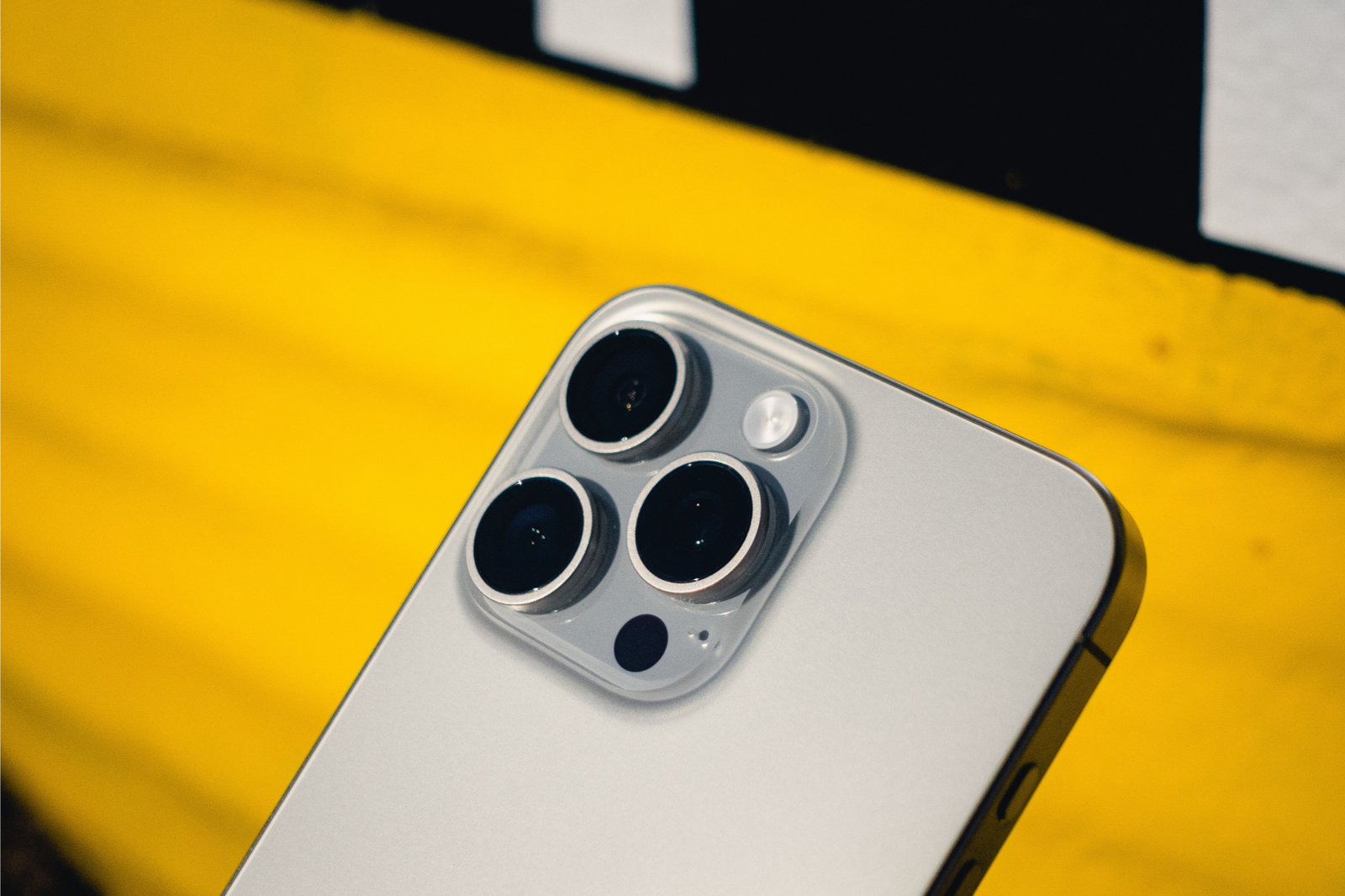
Regular or uncomfortable smartphone heat during charging, gaming, or pocket use may indicate a deeper issue.
Baiki Phone Malaysia addresses concerns about overheating phones, highlighting common reasons, reducing solutions, and advising seeking professional help when necessary.
Contents
1. Overactive Apps or Background Processes
Some apps continue running in the background even when not in use. These apps use:
- CPU power
- Internet data
- Battery resources
To reduce phone usage, close unused apps, check battery usage, and restart to reset background activity, especially when using apps like games or social media.
2. Prolonged Charging or Faulty Chargers
Charging naturally causes some heat, but if your phone becomes hot while plugged in, it might be due to:
- A damaged charging cable or adapter
- A low-quality third-party charger
- Charging while using the phone heavily (e.g. watching videos, gaming)
To ensure optimal charging, use original or high-quality certified chargers, avoid phone usage during charging, and unplug after reaching 100%.
3. Environmental Heat or Sun Exposure
Leaving your phone in a hot car, under direct sunlight, or in your pocket on a hot day can trap heat and damage internal parts—especially the battery.
What you can do:
- Keep your phone in a shaded area
- Remove the phone case temporarily to help cool it down
- Avoid leaving it in closed cars or hot environments
4. Software Bugs or Outdated System
Sometimes, bugs in apps or system software can cause excessive CPU use and heating—even when the phone is idle.
What you can do:
- Check for system updates
- Update all apps from the app store
- Perform a factory reset if heating continues (but back up data first)
5. Failing Battery or Hardware Issues
If your phone is older or has been dropped or exposed to moisture, the battery or internal components might be failing. A swollen or degraded battery can cause abnormal heat and is a potential fire hazard.
Visit Baiki Phone Malaysia for professional repair services, including battery health checks and free diagnostics, to identify and fix failing components safely.
6. How Baiki Phone Malaysia Can Help
If your phone continues to heat up despite trying the basic fixes, it’s time to get it checked. Overheating can lead to:
- Shortened battery life
- Slower performance
- Sudden shutdowns
- Internal damage
- In extreme cases, fire risk
Baiki Phone Malaysia‘s technicians use professional diagnostic tools to identify and repair issues like faulty batteries, dust-clogged internals, damaged charging ICs, or software issues within an hour.
Final Thoughts
Overheating your phone is a warning sign, and ignoring it can damage it or risk your safety. Visit Baiki Phone Malaysia for a free diagnostic check to keep your device cool and safe.
Contact Baiki Phone Malaysia today to get a free quote or visit our store for a quick check. Repair first, upgrade later.
Leave a Reply